The people most likely to read it are the people it is about
A gift list is private in a way most lists are not. The people on it live with you, borrow your phone to look something up, and glance across while you are both on the sofa. A second of that is enough to undo two months of planning.
So privacy here is a practical question, and mostly it comes down to who can see the screen.
A gift list is not a wishlist
Two different things get called by similar names. A wishlist is written by the person receiving and shared outwards. A gift list is written by the person buying, and the point of it is that it stays where you put it.
GiftTracker is the second kind. Adding a Recipient puts a name on your own list. Nobody is invited, nobody is notified, and nothing is shared with the people you are buying for. If what you want is a list the family adds to, this is the wrong tool, and that is worth knowing before you start.
Lock the app itself
The likely leak is somebody picking up an unlocked phone rather than anything happening to a server.
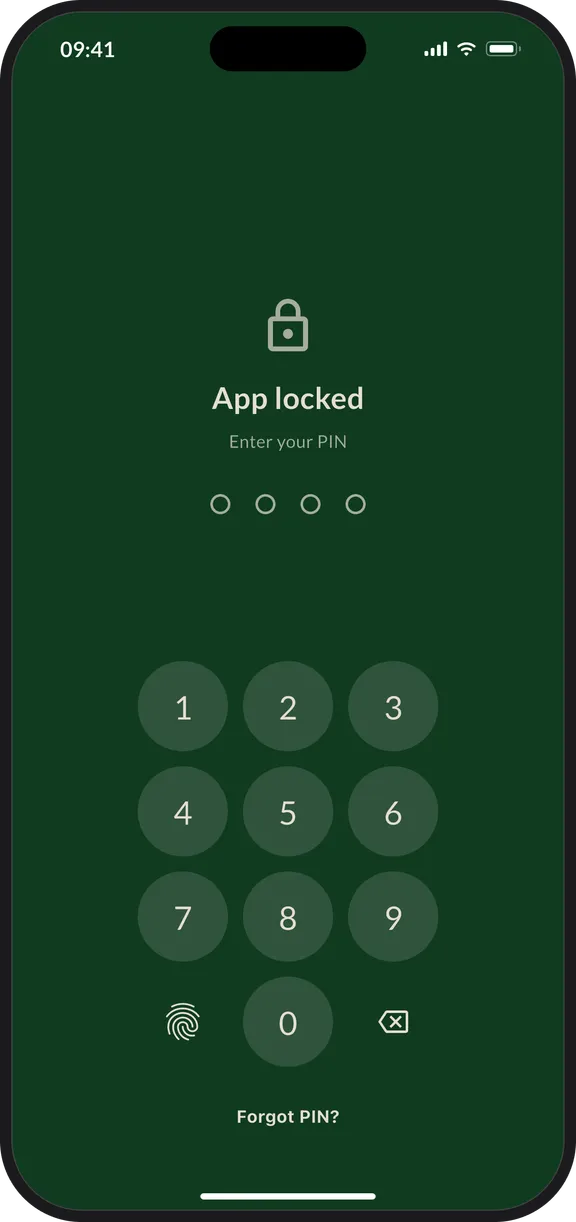
App lock, in More, puts a PIN in front of the app, or Face ID or your fingerprint if your phone supports it. It needs an account, because a guest would have nothing to unlock back into. Turning it on in November is a different experience from turning it on the day after somebody has already read the list.
What an account changes
You can use GiftTracker without one. Events, Recipients, gifts and budgets all work the same.
What an account adds is a way back in. It backs your lists up so they survive a lost or replaced phone, and it is what makes App lock possible. Without one there is no email address or password attached to your lists, which also means there is nothing to restore them from. The account guide covers both sides of that.
Ask what happens to the list
Before filling any app with names, prices and photographs, it is worth reading what it does with them. Ours is set out in the privacy policy: recipient details, gift notes and your photos are not sent to analytics, we do not sell personal information, and deleting your account removes your Events, Recipients, gifts, saved ideas and uploaded images.
Three questions are worth asking of anything you are considering.
- Is anything you add shared with, or shown to, the people on the list?
- Can the app be locked behind a PIN, a fingerprint or your face?
- If you delete the account, what actually goes with it?
A worked example
You are buying for your partner, and you both pick up each other’s phones without thinking about it. Instead of a note that opens on any device you are signed in to, the list sits in the app with App lock on and Face ID to open it. The prices, the links and the fact that half of it is already wrapped are all in there. They pick your phone up to check a train time and see none of it.
Where to start
Create the Event, add the people you are buying for, then turn App lock on before the list is worth hiding. For the rest of what to look for in an app, read Gift list app for Android and iPhone: features that matter.